
Disclaimer: Insurance policies, billing structures, and app interfaces may vary by state and are subject to change. Always verify specific account details directly with your provider. This guide is based on my first-hand experience testing, reviewing, and personally managing insurtech platforms.
If you are reading this, you have likely finished your Root test drive or realized that telematics simply isn’t the right fit for your daily commute. I completely understand. When I first tested telematics apps for my insurtech reviews, the “pay-how-you-drive” model sounded flawless on paper. However, the reality of constant background tracking can be frustrating.
Modern insurtech companies make leaving much easier than traditional legacy insurers. You don’t have to argue with an agent to get out of your policy. Here is my practical, How to Cancel Root Insurance, field-tested guide on how to cancel your Root insurance without any headaches, along with a few hidden data-privacy steps most people miss.
Quick Answer: How to Cancel Root Insurance
Need to stop Root insurance immediately? Here is the fastest way to do it:
- Via the App: Open the Root app > Tap Account > Select Policy Details > Scroll down and tap Cancel Policy. Choose your effective cancellation date.
- Via Phone: Call the Root customer service team at 1-866-980-9431 (Monday–Friday, 9 AM–8 PM EST) to request a cancellation from a licensed representative.
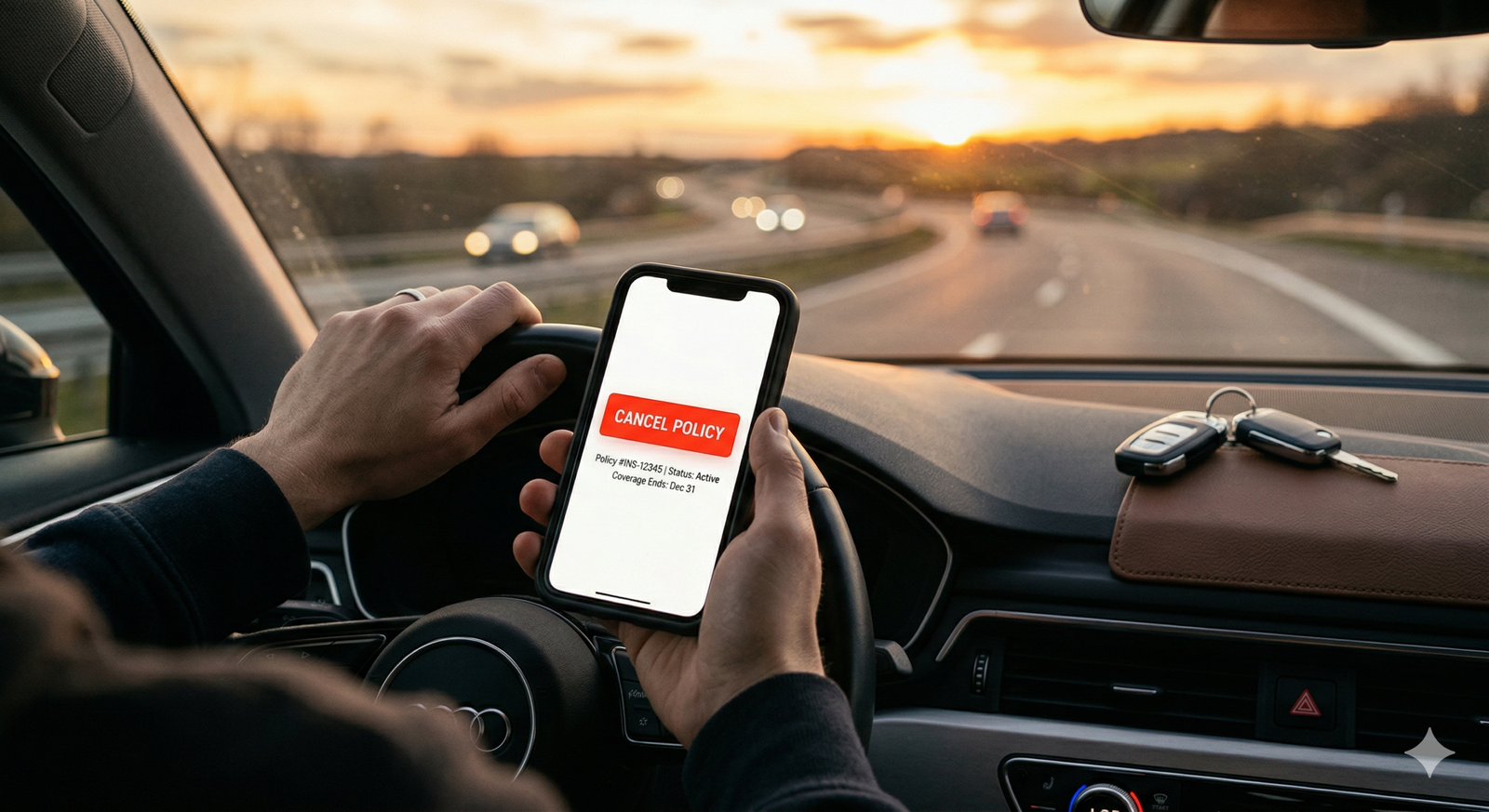
Table of Contents
Why I Personally Canceled Root Insurance
To give you some transparent context, I didn’t just research this process—I went through it. While Root offers competitive rates for exceptionally cautious drivers, my personal experience highlighted a few dealbreakers that led to my Root insurance cancellation:
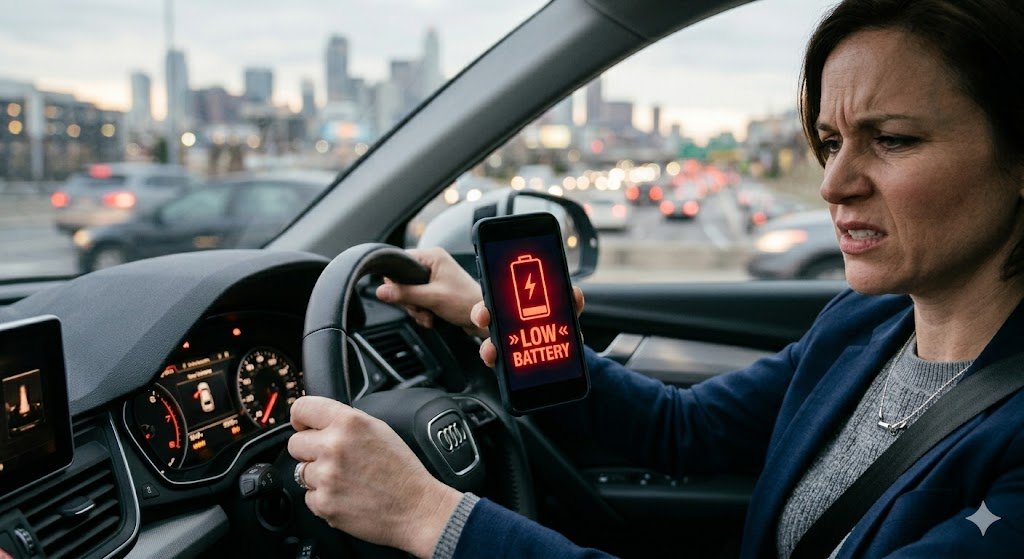
- Severe Battery Drain: Root’s app constantly runs GPS polling in the background. I noticed my smartphone battery life dropping by 20% faster on days I drove frequently.
- Driving Score Inaccuracy: The algorithm can be overly sensitive. I was penalized for “hard braking” when a traffic light abruptly turned yellow, forcing me to stop safely. The app didn’t understand the context, only the G-force.
- App Glitches: Occasionally, the app would freeze during trips or fail to log a perfectly safe highway commute, which skewed my data profile.
If you are experiencing similar issues, canceling is likely the right move.
Method 1: Cancel Root Policy Through the App (Recommended)
Since Root is a digital-first platform, managing your policy from your smartphone is the most efficient route. I highly recommend using the app because it takes under two minutes and provides an immediate digital paper trail.
- Open the Root app on your iOS or Android device.
- Tap on the Account tab located at the bottom menu.
- Select Policy Details.
- Scroll to the very bottom and tap the Cancel Policy button.
- Select your effective cancellation date. You can cancel immediately or pick a future date. (I strongly advise picking a future date to align with your new policy’s start date).
- Confirm your decision. Take a screenshot of the confirmation screen. Root will immediately send a confirmation email to your registered address.
Method 2: Call Customer Support
Sometimes apps glitch, or you might have a highly specific billing question before pulling the plug. If you prefer speaking to a human, you can cancel over the phone.
Dial 1-866-980-9431. Keep your policy number ready—you can find this on your digital insurance card inside the app. Unlike legacy agents who might aggressively pressure you into staying, digital-first support teams usually process these requests smoothly. Pro Tip: Always ask the representative for a cancellation reference number before hanging up.
Common Problems When Canceling Root Insurance (and Fixes)
Nothing is perfect, and sometimes digital cancellations hit a snag. Here are the most common hurdles users face and how to fix them:
- The “Cancel” Button is Missing: If you are within your first few days of the test drive, or if your app is outdated, the cancel button might be grayed out or missing. Fix: Update the app in the App Store/Google Play, or log into your account via Root’s desktop website to initiate the cancellation.
- No Confirmation Email: You clicked cancel, but your inbox is empty. Fix: Check your spam folder immediately. If it is not there after 24 hours, call support. Do not assume the policy is canceled without written email proof.
Does Root Charge a Cancellation Fee?
When dealing with auto insurance, avoiding hidden charges is always a top priority.
Here is the reality: Root does not charge a hidden cancellation fee. You are never locked into an unbreakable contract. If you decide to cancel your Root auto insurance mid-policy, you are perfectly free to do so without any financial penalty.
Understanding the Refund Policy
If you just paid your premium for the next six months but choose to cancel in month two, Root issues a prorated refund. They calculate the exact number of days you actively used the insurance and refund the remaining balance.
Example: If your monthly premium is $100 for 30 days, and you cancel on day 15, you will receive roughly $50 back credited to your original payment method within 3 to 5 business days.
When You Might NOT Get a Full Refund
While prorated refunds are standard, there are scenarios where your refund might be smaller than expected, or non-existent:
- Outstanding Balances: If you missed a previous month’s payment, Root will deduct that owed amount from your prorated refund.
- Recent Claims: If you recently filed a claim and Root paid out a settlement, state regulations often dictate how premiums are handled upon cancellation. You may not be entitled to a refund for the remainder of that billing cycle.
Things Root Doesn’t Clearly Tell You
Canceling your policy does not automatically wipe your driving data from their servers or stop the app from tracking you. If you are switching from Root primarily for privacy reasons, take these extra steps:
- Stop Background Tracking: Go to your phone’s internal settings (Settings > Root App > Location) and revoke all location tracking permissions immediately.
- Delete Your Account Data: Merely deleting the app leaves your driving telemetry on their servers. Under privacy laws, you have the right to request full data deletion. You must email Root’s privacy team (typically at privacy@joinroot.com) and explicitly request them to delete your data history. For more information on your rights to data deletion, I recommend reviewing the official California Attorney General CCPA overview page.
Crucial Warning: Avoid a Lapse in Coverage
Please do not cancel your Root policy until your new car insurance is actively in place.
If you cancel today and your new coverage does not start until tomorrow, you create a lapse in coverage. Even a one-day lapse can trigger your local DMV to suspend your vehicle registration. Furthermore, future insurance companies will label you a “high-risk” driver, legally allowing them to charge you significantly higher premiums.
Always overlap your policies by at least 24 hours.

Best Alternatives After Canceling Root Insurance
If you are moving away from Root, here is a brief look at where you should go next depending on your needs:
- If you still want tech but hate the driving score: Look into Metromile (now part of Lemonade). They charge you a base rate plus a per-mile fee. They track your distance, not how hard you brake or how fast you turn.
- If you want a traditional, no-tracking experience: Geico and Progressive offer highly competitive rates for standard policies. You can opt entirely out of their telematics programs and rely solely on your standard driving record.
What’s Next? Have you successfully canceled your Root policy? Let us know in the comments below which insurance provider you decided to switch to. If you are looking for a replacement, browse our latest comparisons to find the perfect tech-forward coverage for your daily commute!






Leave a Reply